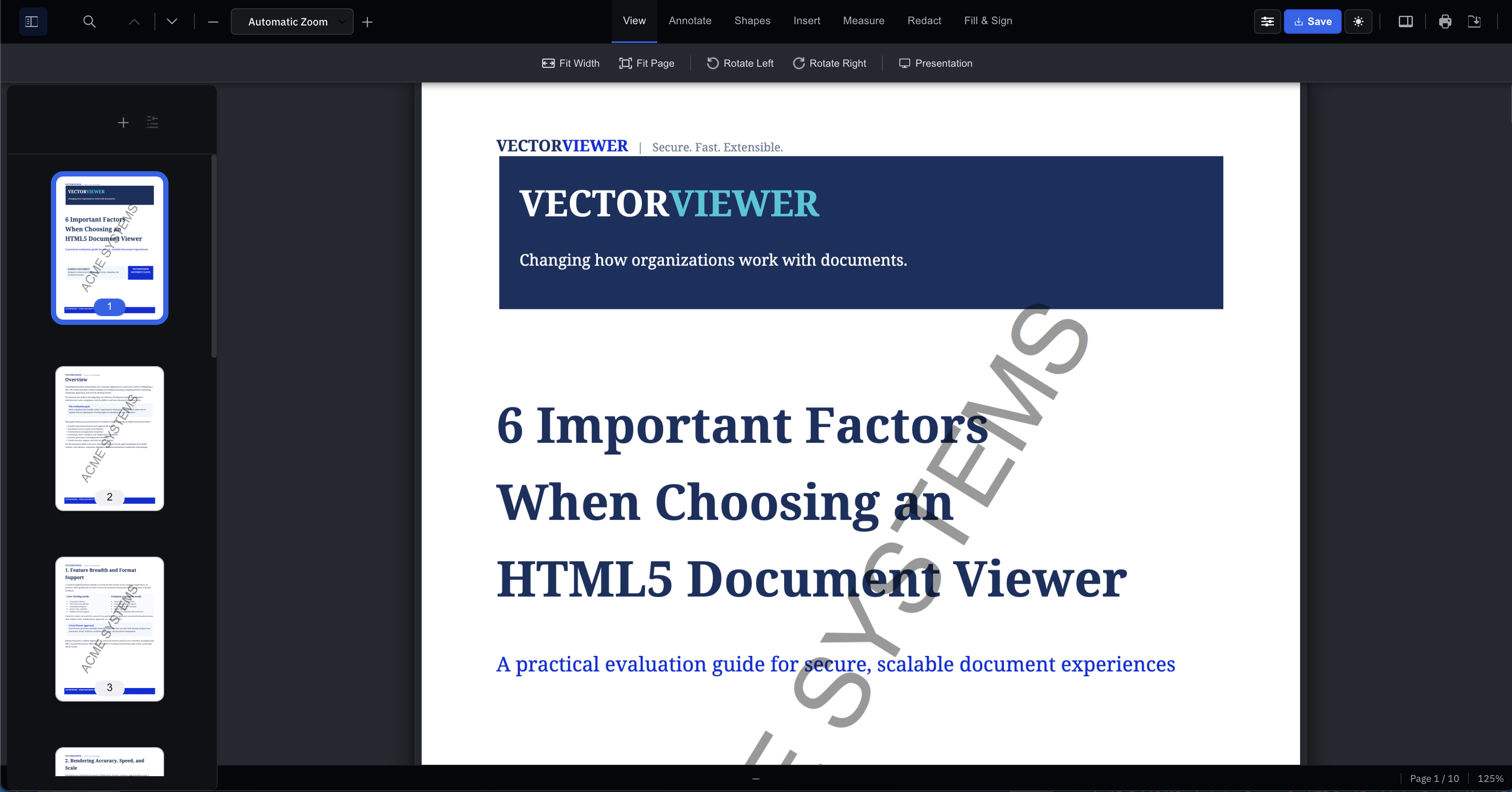
VectorViewer is an HTML5 document viewer and annotator. No plug-ins, no desktop installs — render, mark up, and review documents natively, on any device.
Every document your team opens goes through the same secure, browser-native viewer — no software to install, nothing to patch.
Over 30 file formats — PDF, Word, Excel, PowerPoint, TIFF, images, and more — render in the browser in under 3 seconds, with the original file untouched underneath.
Highlights, sticky notes, shapes, watermarks, and rubber stamps sit in a separate layer on top of the document, with a full audit trail of who added what.
Remove sensitive text and images for good — not just visually hidden, but stripped from the file.
Set each user as Admin, Regular, or Read-Only, and control what they can view, edit, or export.
Send a reviewed document straight into signature without leaving the browser.
See VectorSignReview a completed, fillable form the same way you review any other managed document.
See VectorFormsNo — VectorViewer renders natively in the browser using HTML5, so there's nothing to install, download, or keep patched on the end-user side.
Over 30 formats render natively, including PDF, Word, Excel, PowerPoint, TIFF, and common image formats — all without converting the original file.
Redacted content is stripped from the underlying file, not just visually covered, so it can't be recovered by copying text or inspecting the file.
Role-based permissions let you set each user as Admin, Regular, or Read-Only, controlling exactly what they can view, annotate, or export.